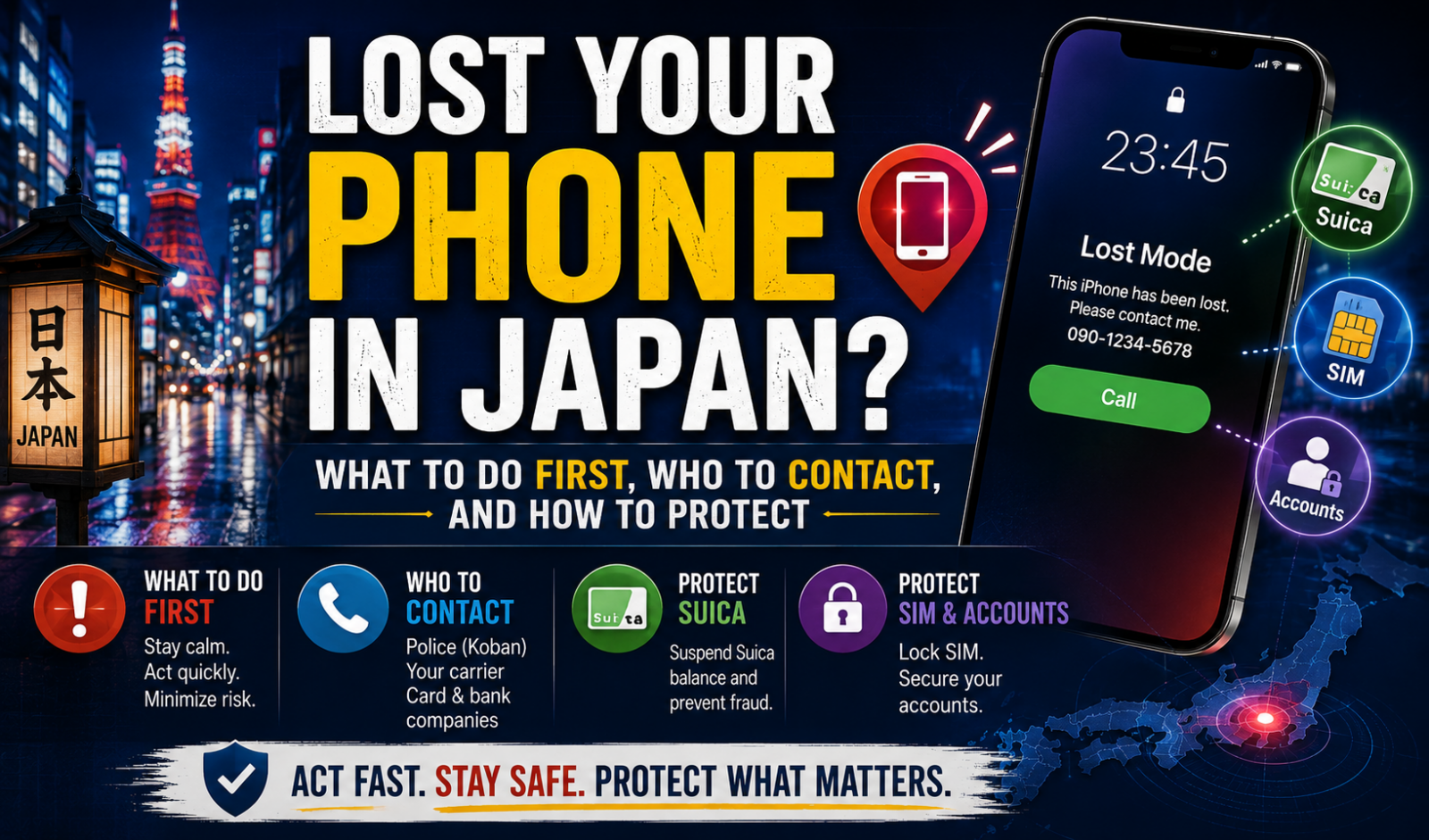
Lost Your Phone in Japan? What to Do First, Who to Contact, and How to Protect Suica, SIM, and Accounts
If you lose your phone in Japan, do these two things first: lock the device remotely and suspend your mobile line if you cannot confirm where the phone is. After that, contact the place where you probably lost it, then file a lost property report with the police.
This matters for tourists, students, workers, and long-term residents alike. In Japan, phones are often returned, but the fastest way to get one back is still practical action in the first hour, especially if your phone also holds mobile payments, Suica or PASMO, banking apps, and two-factor login codes.
- Lock or mark the phone as lost with Apple Find My or Google Find Hub.
- Contact your carrier quickly to suspend the line if the phone may be stolen or out of your control.
- If you lost it on a train, at a station, in a shop, or in a hotel, contact that operator or facility first.
- File a police lost property report as soon as possible so police can match your phone if it is turned in.
Who this guide is for
This guide is for people in Japan who use a smartphone as more than a phone: train card, payment card, ID backup, bank app, and login device.
It matters most when:
- you lost your phone on public transport
- your phone has Mobile Suica or Mobile PASMO
- your SIM or eSIM can receive bank or app verification codes
- you need the device for work, school, immigration, or daily payments
The first 30 minutes: do these in order
Start with the actions that reduce risk fastest.
1. Try to locate and lock the phone
For iPhone, use Apple Find My. You can locate the device, play a sound, put it into Lost Mode, and erase it remotely if recovery looks unlikely.
For Android, Google’s official tool is now called Find Hub. As of May 2026, Google’s help pages show Find Hub as the place to find, secure, or erase a lost Android device.
Why this comes first:
- Lost Mode or device security can block casual access to your data.
- Apple says payment cards and passes used with Apple Pay are suspended when a device is marked as lost.
- Google also allows remote securing or erasing, and shows the device IMEI in the tool for carrier support.
Do not erase the phone immediately unless you are confident it will not come back. A wiped phone is harder to track afterward.
2. Suspend your mobile line if the phone may be stolen or is missing for more than a short time
Japan’s police explicitly tell people to contact the cell phone operator immediately when a lost item includes a mobile phone.
This step matters because your SIM or eSIM may still receive calls, SMS codes, and account recovery messages.
Major carriers in Japan have loss or theft suspension procedures. Official support pages from NTT Docomo, SoftBank, au, Y!mobile, and Rakuten Mobile show emergency suspension options by web or phone, and several of them operate 24 hours a day.
One detail many people miss: service suspension does not always stop monthly charges. Docomo and Y!mobile state that basic monthly charges continue during suspension, so check your carrier page before assuming the billing stops.
3. Contact the place where you probably lost it
If you think you left the phone on a train, in a station, a taxi, a store, or a hotel, contact that operator or business first.
In Japan, many phones are first handled by staff on site, then moved later to a central lost-and-found office or to police. If you wait only for the police system, you may lose time.
Examples from official guidance:
- Tokyo Metro tells passengers to contact the nearest station office on the day of loss.
- JR East says items left on trains or at stations are registered in its system, but it can take time before the item appears.
- JR Central says phones found at stations or on trains are entered into its lost item system, but immediate response may not be possible even if GPS shows a location.
If you lost the phone on transport, prepare these details before calling:
- date and rough time
- line, station, or route
- car number or seat if known
- phone model, color, case, strap, wallpaper, or visible damage
- carrier name if known
ここがポイント: In Japan, the right first contact depends on where you lost the phone. On a train or in a store, ask that operator or facility first. If you lost it on the street or do not know where it went missing, go to the police quickly.
When to go to the police
If you lost the phone on the street, in a public place, or you do not know where it disappeared, file a lost property report with the police or a koban as soon as possible.
The National Police Agency says the report helps police match your phone if it is found and turned in. It is not a theft investigation request, and it does not prove legal loss by itself, but it is still the key step for recovery through the lost property system.
Important points from the police guidance:
- file the report as soon as you notice the loss
- phones are treated as valuable property in the lost property system
- police keep found property for up to 3 months
- you can search found items through prefectural police websites
- if your phone is recovered, you may need to pick it up from the relevant police station or arrange shipping at your own cost
The police also note one possible surprise: if the finder requests a reward, the owner may need to pay 5% to 20% of the item’s value, plus certain storage-related costs.
If your phone had Suica, PASMO, or mobile wallet functions
This is the part many foreign residents overlook. A lost phone in Japan is often also a lost train pass and stored money balance.
Mobile Suica and Welcome Suica Mobile
JR East states that if your iPhone used Welcome Suica Mobile and the phone is lost or stolen, the support center can suspend the Suica and you can re-register it on another iPhone later.
For Mobile Suica more broadly, JR East’s procedure pages say you should quickly complete the suspension or reissue registration to stop unauthorized use.
Mobile PASMO
PASMO’s official pages say you should suspend usage quickly if a phone with Mobile PASMO or Apple Pay PASMO is lost. Reissue or refund options depend on the service type and whether you registered as a member.
One major exception matters:
- some Mobile PASMO reissue paths are limited by device type
- unregistered cards may not be eligible for reissue or refund handling
- station counters do not handle every mobile reissue case
If your phone held a commuter pass, balance, or auto-charge setup, deal with the transit card suspension on the same day.
Common mistakes that cause bigger problems
These are the errors that usually cost time or money.
- Suspending the line before using Find My or Find Hub. Some remote location or lock tools work best while the device is still online.
- Calling only the police after losing a phone on a train. The operator may have it before the police do.
- Forgetting the transit wallet. A phone can still expose Suica or PASMO value and commuting access.
- Forgetting app security. Banking apps, messaging apps, and email may be the real risk, not the device price.
- Assuming the carrier will stop all billing. Suspension often protects usage, not monthly charges.
- Erasing the device too early. If recovery still looks possible, keep tracking options alive first.
What to do after the phone is secured
Once the device is locked and the line is suspended if needed, clean up the accounts connected to it.
- change your main email password if the phone had saved access
- review banking and card apps tied to the device
- remove the phone from app-based two-factor authentication where possible
- check whether your residence, school, or employer apps need recovery steps
- save the IMEI or serial number from your Apple or Google account page for support or police use
If the phone does not come back within a day, move from recovery mode to replacement mode. At that point, carrier reissue, eSIM setup, transit card recovery, and app login recovery become more important than physical search.
Japan-wide rule, local differences
The overall system is national, but the practical route changes by place.
- Police lost property rules are national under the National Police Agency framework.
- Search pages for found items are handled by each prefectural police force.
- Train, subway, and bus operators have their own lost-and-found desks and timelines.
- Carrier suspension and restart methods differ by operator and contract type.
- Mobile Suica and PASMO recovery steps differ by device, registration status, and service type.
That is why the best question is not only “Did I lose my phone?” but also “Where did I probably lose it, and what services were inside it?”
Final takeaway
In Japan, a lost phone often comes back, but only if you split the problem correctly: device security, carrier suspension, place-based lost-and-found, and police reporting. If your phone also works as your train card and payment tool, treat it as a transport and account-security problem, not just a missing device.
Before you buy a replacement, check one more time with the operator that matches the place where you lost it. That is often where the recovery path changes.
参照リンク
- National Police Agency: If you have lost your belongings, please immediately file a Lost Property Report
- National Police Agency: What is a Lost Property Report?
- National Police Agency: Did you lose your belonging on the street?
- National Police Agency: List of lost properties on Prefectural Police websites
- Apple Support: How to find your lost iPhone or iPad
- Google Android Help: Find, secure or erase a lost Android device
- NTT Docomo: Suspending/Resuming Service Due to Loss or Theft
- SoftBank: Stolen / Lost Handsets
- au: What to do in case of loss or theft
- Y!mobile: Suspending/Resuming Service Due to Loss or Theft
- Rakuten Mobile: Help when your device is lost or stolen
- Tokyo Metro: Lost & Found
- JR East: Lost and found items on JR East
- JR Central: Lost & Found
- JR East: Welcome Suica Mobile procedures
- PASMO: If your smartphone is lost or damaged
- PASMO: If your iPhone or Apple Watch is lost or damaged