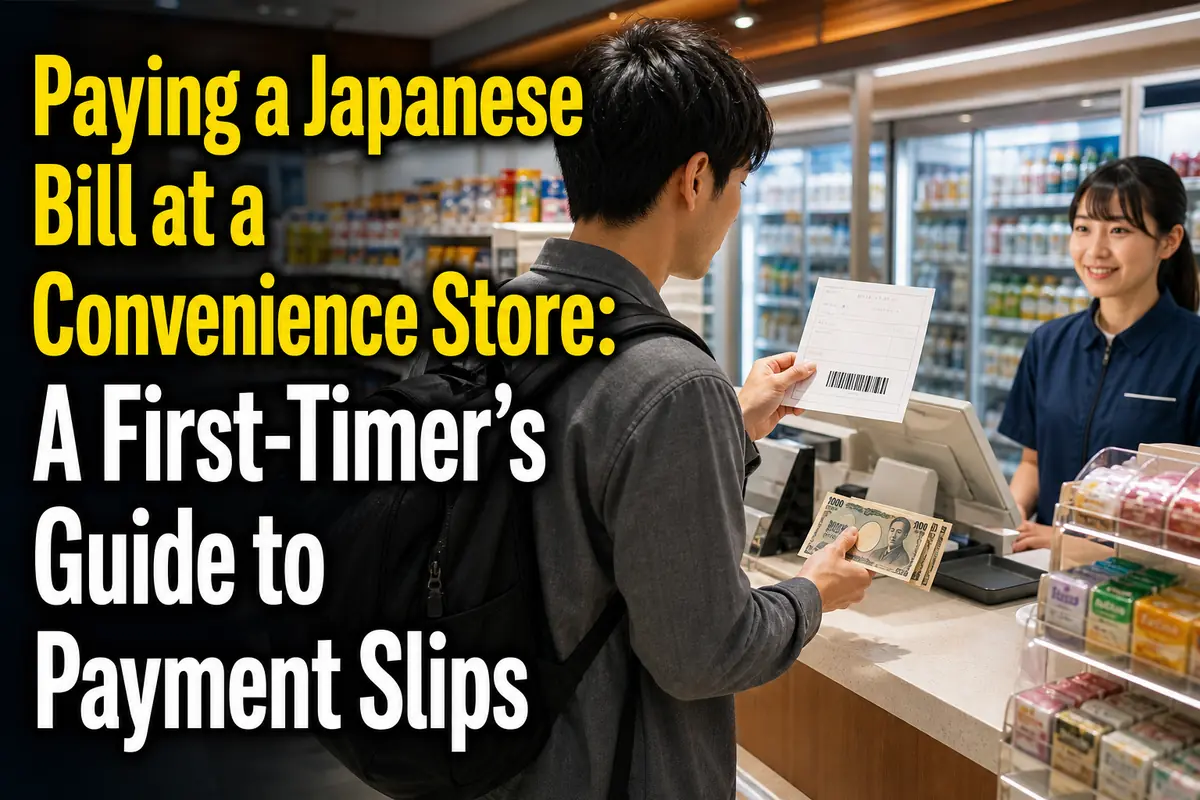
Paying a Japanese Bill at a Convenience Store: A First-Timer’s Guide to Payment Slips
In most cases, paying a paper bill at a convenience store is simple: take the complete slip and enough cash to a listed store, hand the slip to the cashier, check the amount, pay, and keep the stamped customer copy.
Do not assume that every store, payment app, or expired slip will work. The instructions printed on the slip belong to the bill issuer and take priority over general practice.
This guide is for new residents, students, workers, and anyone who has received a Japanese utility, tax, insurance, mail-order, or service bill for the first time.
The essentials
- Look for a barcode and the name or logo of an accepted convenience store.
- Check the payment deadline and total before visiting the store.
- Bring cash unless the store and bill issuer clearly confirm another method.
- Take the whole slip; do not separate attached sections in advance.
- Keep the stamped receipt or customer copy as proof of payment.
What is a convenience-store payment slip?
A payment slip lets a convenience store collect money for another organization. The store records the transaction and sends the payment information to the company, municipality, or other issuer.
You may receive one for:
- electricity, gas, water, or telephone service;
- national pension or certain public health insurance payments;
- national or local taxes;
- online shopping and deferred-payment purchases;
- school, membership, or other service charges.
Common Japanese names include:
- haraikomi-hyō (払込票): payment slip;
- furikomi-yōshi (振込用紙): payment form;
- nōfu-sho (納付書): payment notice, often used for taxes and public charges;
- seikyū-sho (請求書): invoice or bill;
- shūnō daikō (収納代行): payment-collection service.
These terms overlap in everyday use. What matters at the counter is whether the document has a readable payment barcode and identifies that store as an accepted payment location.
Check these five parts before leaving home
The slip itself tells you whether the payment should work. Check it before joining a store queue, especially if the deadline is close.
1. The organization requesting payment
Find the company, municipality, tax office, school, or seller named on the document. Compare it with your contract, recent purchase, or official account.
Do not pay merely because a letter looks urgent. If the sender is unfamiliar, use contact information from the organization’s official website—not a phone number or QR code in a suspicious message—to verify the bill.
2. The amount
Look for labels such as:
- gōkei kingaku (合計金額): total amount;
- seikyū kingaku (請求金額): amount billed;
- nōfu kingaku (納付金額): amount payable.
The cashier normally cannot change the printed amount or accept only part of it. If the amount appears wrong, contact the issuer before paying.
Some slips also show a handling fee. Lawson, for example, states that certain collection slips can carry an additional fee. This is controlled by the service or issuer, so check the printed total rather than assuming that counter payment is free.
3. The deadline
Typical labels include:
- shiharai kigen (支払期限): payment deadline;
- nōfu kigen (納付期限): due date;
- toriatsukai kigen (取扱期限): last date the slip can be processed.
These dates are not always interchangeable. A bill may have a normal due date and a later barcode-processing limit.
An overdue slip does not automatically become unusable. For example, TEPCO says its paper electricity invoices may still be paid at a convenience store after the payment deadline, although late charges or contract consequences may apply. A municipality, online retailer, or different utility can follow another rule. Never treat one issuer’s grace period as a national rule.
4. The barcode
A standard counter-payment slip usually has a long one-dimensional barcode. It must be clear enough for the register to scan.
A torn, heavily folded, faded, wet, or marked barcode may be rejected. Do not write across it. If it cannot be scanned, contact the issuer and ask for a replacement or another payment method.
5. Accepted payment locations
Check the front or back for store names or logos. FamilyMart’s current instructions, for example, say that a paper or mobile payment slip must display a barcode and identify FamilyMart on the reverse side.
A nearby store is not automatically eligible simply because it accepts other bills. Store coverage can depend on the issuer, barcode system, branch equipment, and amount.
How to pay at the register
For an ordinary barcoded paper slip, you usually go straight to the cashier. You do not need to buy anything, and you normally do not use the ATM or copy machine.
- Keep all attached sections together. Some issuers specifically tell customers not to separate the invoice, usage notice, and payment form before presenting them.
- Take the slip to an accepted convenience store. Bring enough cash for the full printed amount and any stated fee.
- Hand it to the cashier. You can say, “Kore o onegai shimasu” (これをお願いします), meaning “This, please.”
- Watch the amount shown at the register. Compare it with the slip before approving the transaction.
- Confirm the payment when prompted. Some registers ask you to touch an on-screen confirmation button.
- Pay using an accepted method. Cash is the safest default; payment options vary by chain and slip.
- Wait for the processed customer copy. Make sure the cashier returns the correct section and any separate register receipt.
- Check for a date or store mark before leaving. Store procedures differ, but your returned copy should clearly show that the transaction was accepted.
ここがポイント: The barcode gets the bill into the register, but the returned receipt is your immediate evidence that you paid. Do not leave it on the counter or throw it away with the shopping receipt.
Cash, cards, and payment apps
Do not expect to pay a bill with the same methods used for food or household goods. Collection payments have separate restrictions.
Lawson states that its barcoded payment-slip service is cash only. It does not accept credit cards, electronic money, prepaid cards, or barcode-payment apps for that counter service.
FamilyMart permits cash or FamiPay for paper and supported mobile slips, but not every collection payment is eligible for FamiPay. Its app provides a bill-check function, and the company warns that some bills accepted at a FamilyMart counter still cannot be paid inside the app.
Seven-Eleven also notes that some collection services cannot be paid with nanaco even when cash is accepted. These examples show why “this store accepts the app” does not mean “this particular bill accepts the app.”
For the least complicated first payment:
- bring Japanese yen in cash;
- do not rely on a foreign credit or debit card;
- ask before charging a store wallet;
- check the chain’s current official page if you want to use its own payment service.
Paper barcodes, mobile barcodes, QR codes, and payment numbers are different
The correct process depends on what the issuer gave you. Four systems that look similar can require different actions.
A paper slip with a barcode
Take the intact document to a listed store and present it at the register. This is the standard process described above.
A barcode displayed on a phone
Some issuers provide a mobile barcode instead of paper. Follow the issuer’s instructions and raise the screen brightness before scanning. A screenshot may not work if the service requires a live or time-limited display.
Do not confuse this with scanning a paper bill in your own payment app. In-store mobile collection and at-home app payment are separate services.
A QR code that produces a store payment form
Some official procedures use a QR code at an in-store terminal before the register step. For national tax, the National Tax Agency’s current QR-code procedure allows eligible payments of ¥300,000 or less. The customer displays or prints the generated QR code, scans it at a supported kiosk, takes the resulting barcode form to the register, and pays in cash.
This national-tax procedure is not the general method for every QR code printed on a bill. Follow the named agency’s instructions.
A customer number or confirmation number
Online purchases sometimes provide numbers instead of a ready-to-scan barcode. You may need to enter them at a FamilyMart multi-copy machine or another chain’s terminal, print an application ticket, and take it to the cashier within the stated time.
Pay-easy numbers are different again. The official Pay-easy guide says the service is used through participating financial-institution ATMs or internet banking—not at convenience-store counters or convenience-store ATMs.
What to keep after payment
Keep the customer copy until the issuer has confirmed the payment and any risk from delay has passed. For taxes, insurance, rent-related charges, or services that could be suspended, longer storage is sensible.
Useful Japanese labels include:
- okyakusama hikae (お客様控え): customer copy;
- ryōshū-sho (領収書): receipt;
- haraikomi-kin juryō-shō (払込金受領証): payment-received certificate;
- ryōshū-in (領収印): receipt stamp.
Check that the returned document shows the payment date and store processing mark or equivalent record. Take a clear photo as a backup, but retain the original when the payment is important.
A register receipt alone may not identify the underlying bill as clearly as the processed customer section. Keep both if you receive both.
How long does confirmation take?
A successful counter transaction may not appear immediately in an online account. Processing time depends on the issuer.
The National Tax Agency also explains that its QR-code convenience-store procedure does not produce an official tax receipt, although the store provides a payment-received document. Confirmation relevant to a tax payment certificate may take up to about three weeks. If you urgently need a particular official certificate, check the required payment channel before using the convenience store.
When the store cannot process the bill
A failed scan usually means you need the issuer’s help, not repeated attempts at several registers. First check the reason shown on the slip.
Common causes include:
- the barcode is damaged or unreadable;
- the processing period has ended;
- that chain is not listed;
- the amount exceeds the system or issuer limit;
- the bill has already been paid or replaced;
- the payment requires a kiosk, app, bank, or designated office;
- the store’s system is temporarily unavailable.
Ask the cashier whether the barcode simply failed to scan, but do not expect store staff to change the deadline or billing record. They collect the payment; they do not control the underlying contract or public charge.
Contact the issuer shown on the bill and ask for one of these options:
- a replacement slip;
- a fresh barcode or payment number;
- bank transfer details;
- direct debit or credit-card registration;
- an official online payment method;
- payment at a bank, post office, municipal counter, or other designated office.
Regional and issuer differences
Convenience-store payment is a collection channel, not one nationwide set of rules. The store scans the code, but the issuer decides the deadline, eligible locations, fees, replacement process, and consequences of late payment.
Municipal taxes and insurance charges are particularly local. One city may support convenience-store barcodes and app payments, while another may impose different limits or direct overdue cases to city hall. Water billing also varies by local utility.
Before paying a public charge, check:
- the municipality named on the notice;
- the relevant tax or insurance period;
- whether you moved after the bill was issued;
- whether the slip has been replaced by a reminder notice;
- whether you need a formal certificate soon.
For utilities, confirm the actual supplier rather than relying on a general guide for the same region. Electricity and gas customers in one building can have different retailers and payment terms.
Common mistakes and how to avoid them
Most problems come from treating the slip like ordinary shopping. A short check prevents duplicate payments and lost proof.
- Separating the document too early: Take the complete form unless its instructions explicitly say otherwise.
- Assuming any convenience store will work: Use a chain printed on the slip.
- Bringing only a credit card: Carry enough cash unless eligibility for another method is confirmed.
- Paying an old and a replacement bill: Match the billing period, amount, and customer number before paying.
- Using an app and then paying the paper slip: Mark the paper immediately after app payment and verify the transaction history.
- Discarding the receipt: Keep it until the issuer’s account shows payment.
- Waiting until the final evening: A damaged barcode, unavailable system, or unlisted store can leave no time for an alternative.
- Ignoring a failed payment because the store was open: Convenience stores may operate around the clock, but a barcode can still have an issuer-set cutoff.
Quick phrases for the counter or a support call
You do not need advanced Japanese to make a normal counter payment.
- Kore o onegai shimasu. (これをお願いします。) — This, please.
- Kore wa koko de haraemasu ka? (これはここで払えますか。) — Can I pay this here?
- Genkin dake desu ka? (現金だけですか。) — Is it cash only?
- Ryōshū-sho o onegai shimasu. (領収書をお願いします。) — Please give me a receipt.
- Kigen ga sugite imasu. Mada haraemasu ka? (期限が過ぎています。まだ払えますか。) — The deadline has passed. Can I still pay it?
- Haraikomi-hyō o nakushimashita. (払込票をなくしました。) — I lost the payment slip.
For a phone call, have the okyakusama bangō (お客様番号, customer number), billing period, amount, and deadline ready. Avoid reading a full barcode number unless the official support agent specifically requests it.
Current position as of August 22, 2026
The basic counter process remains widely available, but payment options are becoming less uniform. Paper slips coexist with mobile barcodes, issuer apps, store wallets, bank services, and agency-specific QR systems.
That makes the practical rule straightforward: identify the exact payment system before choosing the store or app. A printed barcode usually goes to the cashier; a QR code or set of payment numbers may require a terminal, bank service, or separate website.
Before your next payment, check these four points:
- Is the bill genuine and addressed to the correct customer?
- Is the barcode or other payment code still valid?
- Does the chosen store and payment method appear in the issuer’s instructions?
- Did you leave with proof that identifies the bill you paid?
If any answer is unclear, contact the issuer before the deadline. The cashier can process an eligible slip, but only the company or public office can replace it, correct it, or decide what happens after late payment.
参照リンク
- Lawson: Payment-slip collection service
- FamilyMart: Payments with paper or mobile slips
- FamilyMart: FamiPay bill payment
- Seven-Eleven FAQ: Items and services not eligible for nanaco
- National Tax Agency: Convenience-store payment using a QR code
- TEPCO: Frequently Asked Questions
- Pay-easy: English guide