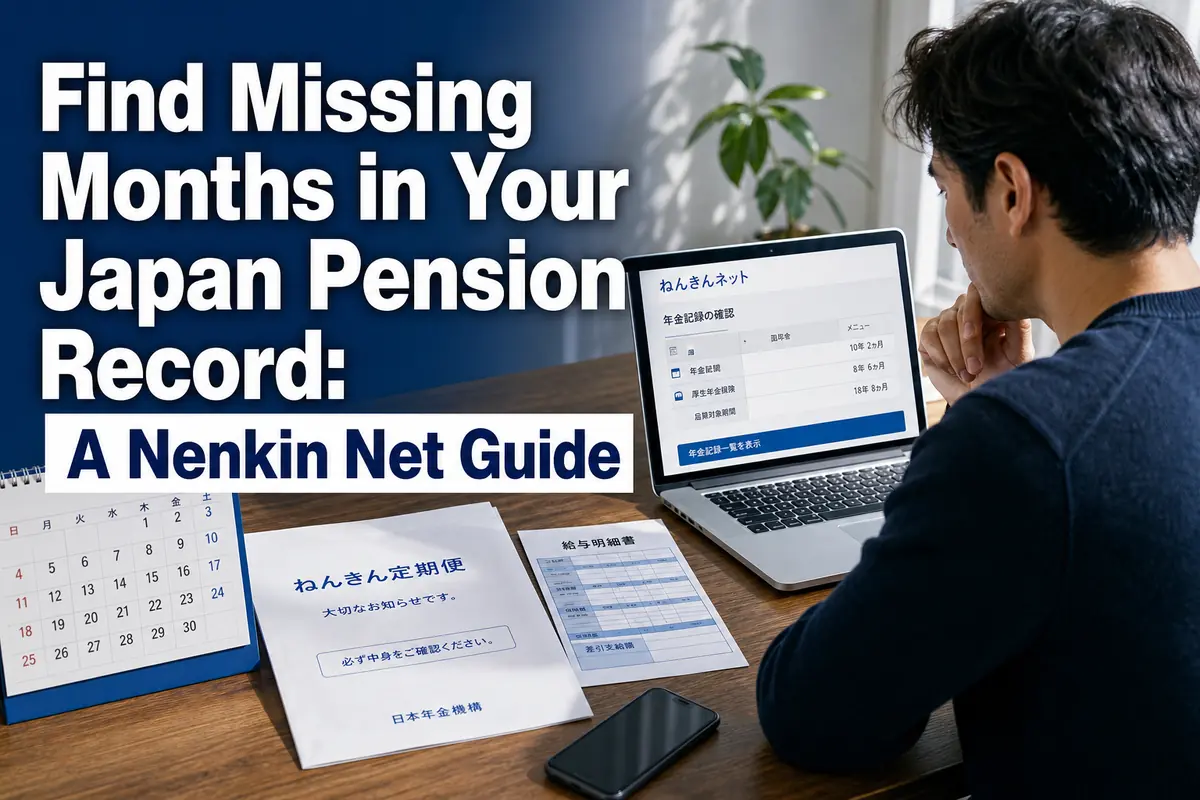
Find Missing Months in Your Japan Pension Record: A Nenkin Net Guide
Nenkin Net lets you check, month by month, whether your National Pension or Employees’ Pension record has been registered correctly. Look for missing coverage, unpaid months, an unfamiliar employer, or salary figures that differ greatly from your payslips.
This check matters after starting or leaving a job, changing employers, switching between employment and self-employment, or preparing to leave Japan. Finding a problem early gives you more time to collect payslips, employment records, and payment receipts.
What you can do
- Register through Myna Portal or obtain a separate Nenkin Net user ID.
- Review pension coverage and payments by month.
- Check employment periods, standard monthly remuneration, and recorded bonuses.
- Contact a pension office if the online record does not match your documents.
- Estimate a future pension—but treat the result as a planning figure, not a guaranteed payment.
Information in this guide was checked against Japan Pension Service pages available on August 22, 2026.
Who should check their record—and when
Anyone who has joined a Japanese public pension scheme should check the record at important work or residence changes. This includes foreign employees, students paying National Pension contributions, self-employed residents, and people who previously lived in Japan.
A check is especially useful:
- after joining a company and entering kōsei nenkin hoken (Employees’ Pension Insurance);
- after changing employers;
- after leaving a job and changing to kokumin nenkin (National Pension);
- after receiving a contribution exemption or postponement decision;
- after paying National Pension contributions yourself;
- when your annual Nenkin Teiki Bin (Pension Coverage Regular Notice) arrives;
- before moving overseas or considering a lump-sum withdrawal payment; or
- when planning for retirement.
Japan’s public pension record follows the individual, not the city in which the person lives. Moving from Osaka to Tokyo does not create a new pension account. Your Basic Pension Number, or kiso nenkin bangō, normally remains the same throughout your life.
However, a move can still matter in practice. If your registered address is outdated, a user ID postcard or other pension correspondence may not reach you.
What Nenkin Net shows
The most useful part of Nenkin Net is the monthly history, because it can reveal exactly where a gap or unexpected figure appears.
The Japan Pension Service says users can review:
- enrollment history for National Pension, Employees’ Pension Insurance, and Seamen’s Insurance;
- the pension scheme recorded for each month;
- monthly National Pension contribution and additional contribution status;
- hyōjun hōshū getsugaku (standard monthly remuneration) under Employees’ Pension Insurance;
- hyōjun shōyogaku (standard bonus amount);
- annual and cumulative contribution information; and
- an estimated annual old-age pension amount.
Standard monthly remuneration is an administrative salary band used for social insurance calculations. It is not necessarily identical to the gross salary printed on one payslip. A small difference is therefore not automatically an error. A missing employer period, several blank months, or a major unexplained difference deserves closer attention.
Nenkin Net can also provide electronic versions of the Nenkin Teiki Bin and certain pension notices. The available notices depend on your pension status.
ここがポイント: Nenkin Net helps you detect a possible problem, but changing or correcting a pension record is a separate process. If the record conflicts with your documents, contact the Japan Pension Service rather than assuming that an online display can be edited directly.
Choose one of the two registration routes
Myna Portal is usually the quickest route for a person who already has a working My Number Card; the user-ID route is the practical alternative.
Route 1: Connect through Myna Portal
To use this route, the Japan Pension Service says you need:
- a valid My Number Card;
- the card’s required PIN;
- a compatible smartphone or computer setup; and
- an email address.
Log in to Mynaportal (Myna Portal), open the pension section labeled 年金 (nenkin, pension), and complete the connection to Nenkin Net. A separate Nenkin Net user ID is not required for this route.
This is convenient if you already use Myna Portal. It may not be the best route if your card’s electronic certificate has expired, you have forgotten the PIN, or your device cannot read the card. Resolve the card or PIN issue through the official channel before repeatedly attempting login.
Route 2: Obtain a Nenkin Net user ID
For this route, prepare:
- your Basic Pension Number;
- an email address;
- your name and date of birth as registered with the pension system; and
- an access key, if you have one.
The access key, or akusesu kī, is a 17-digit number that may appear on a recent Nenkin Teiki Bin. It is not the same as your Basic Pension Number.
If you have a valid access key, you can apply online and receive a URL for confirming your user ID by email. The Japan Pension Service states that the email link remains valid for 24 hours. Save the application receipt number shown on screen until registration is complete.
If you do not have an access key, you can still apply. The Japan Pension Service normally sends the user ID by postcard to the registered address in about five business days after the application is completed. Allow extra time for delivery and address-related problems.
How to check the record step by step
Do not stop at the estimated pension figure: inspect the coverage timeline first. The timeline tells you whether the data used for later calculations appears complete.
1. Prepare records for comparison
Before logging in, collect documents covering the period you want to check:
- Basic Pension Number Notice or an older pension book;
- Nenkin Teiki Bin notices;
- National Pension payment receipts;
- exemption or payment-postponement decisions;
- employment contracts or separation documents;
- payslips showing social insurance deductions; and
- bonus statements.
You do not need every document merely to view Nenkin Net. They become important if you find a discrepancy.
2. Open the detailed pension record
After logging in, look for 年金記録を確認する (nenkin kiroku o kakunin suru, check pension records).
Review the overall enrollment list first. Confirm that each major period of your life in Japan has a plausible entry:
- company employment should generally correspond to an Employees’ Pension period when the job was covered;
- a period outside covered employment may show National Pension status if you were required to enroll; and
- an approved exemption should not simply be treated as an ordinary paid month or unexplained nonpayment.
Coverage depends on age, work arrangements, residence, and other facts. Nenkin Net shows the official record; it does not by itself decide whether your employer or you handled every procedure correctly.
3. Switch to the monthly view
Inspect the months around every transition. The highest-risk points are often not the middle of a long job but the boundary between two statuses.
Check:
- the month you entered Japan;
- the beginning and end of each job;
- the month after leaving an employer;
- periods of study, unemployment, parental leave, or self-employment;
- months for which you paid at a convenience store, bank, or online; and
- any period spent outside Japan.
One blank or unexpected month is enough to investigate. Do not assume that a new employer automatically repaired an earlier gap.
4. Check salary and bonus records
For an Employees’ Pension period, compare the displayed employer, standard monthly remuneration, and standard bonus amount with your own records.
Focus on patterns rather than expecting a yen-for-yen match with take-home pay. Ask questions such as:
- Is the correct employer shown?
- Does coverage begin and end around the correct dates?
- Is a bonus missing entirely?
- Did the remuneration band change sharply without an obvious reason?
Your net pay is not a useful direct comparison because it includes tax and other deductions. Use gross-pay and social-insurance information from the relevant documents.
5. Save evidence without exposing account details
Record the month and item you want to question. If you take screenshots or download notices, store them securely. Pension account screens contain personal information.
Do not send your Basic Pension Number, My Number, password, access key, or full account screenshot through an ordinary workplace chat or unverified email address.
How to read National Pension payment status
A month that was not paid and a month covered by an approved exemption can have different consequences, so read the status carefully.
Common Japanese terms include:
- 納付 (nōfu): paid;
- 未納 (minō): unpaid;
- 免除 (menjo): contribution exemption;
- 納付猶予 (nōfu yūyo): payment postponement; and
- 学生納付特例 (gakusei nōfu tokurei): special payment postponement for students.
An approved exemption or postponement is not the same as ignoring a bill. The way a period counts toward qualification and the pension amount varies by status. Some periods may also be eligible for later payment under specific deadlines and conditions.
If you expected an exemption but see an unpaid month, locate the official decision notice and contact the pension office. Nenkin Net is a record-checking tool; it does not replace an exemption application.
What to do when something looks wrong
Bring the discrepancy to a pension office with dates and supporting documents; do not try to solve it only through your employer’s payroll screen.
The Japan Pension Service instructs users whose online record differs from their understanding to contact a nearby Pension Office, nenkin jimusho, or a Pension Consultation Center, machikado no nenkin sōdan center. The service can investigate possible omissions or errors.
A practical inquiry package includes:
- your Basic Pension Number;
- identification requested by the office;
- the exact months in question;
- employer names and work dates;
- payslips or bonus statements;
- National Pension receipts;
- exemption or postponement decisions; and
- any pension notice showing conflicting information.
If your Japanese is limited, ask the office in advance what language assistance is available. The Japan Pension Service also maintains an English information site and multilingual pension materials. Available assistance can differ by channel and time, so confirm before visiting.
Your company’s HR or payroll team can explain what it submitted, but the Japan Pension Service maintains the official pension record. A payroll deduction on a payslip is useful evidence; it is not a substitute for checking the government record.
Limits and exceptions to understand
Nenkin Net is useful, but its screen is not a final ruling on every pension question. Several limits affect how you should interpret it.
Recent changes may take time to appear
A newly filed enrollment, job departure, payment, or correction may not appear immediately. Keep the submission or payment evidence and check again. If the omission remains or a deadline is approaching, contact the pension office rather than waiting indefinitely.
Mutual-aid association records have restrictions
Records from certain public-sector and private-school mutual-aid associations, called kyōsai kumiai, can appear in Nenkin Net. The Japan Pension Service explains that this information is generally updated once a year and that parts of the pension estimate may be limited.
If your career includes a mutual-aid period, consult the relevant association about information Nenkin Net cannot calculate or display fully.
An estimate is not a promised benefit
Nenkin Net offers an easy estimate and a detailed estimate for eligible users. The detailed tool can model different future coverage, work, income, payment, and pension-start assumptions.
The result can change when:
- future earnings or coverage change;
- unpaid or exempt periods are treated differently;
- pension rules or annual amounts change;
- the pension start age changes; or
- mutual-aid information is incomplete for the calculation.
Use the estimate for planning, not as a final benefit decision. The Japan Pension Service also notes that estimated amounts may be displayed differently from figures on formal pension certificates or payment notices.
The service is national, but help is delivered through offices
The pension record system is national. Core Nenkin Net registration and record functions do not change by prefecture or municipality.
What can differ is the practical support available at a particular counter—appointment availability, language assistance, and local access. Check the official office information before traveling.
Common mistakes to avoid
Most avoidable problems come from confusing identifiers, checking only the total, or waiting until departure from Japan.
- Using My Number as the Basic Pension Number: They are different identifiers. Follow the registration screen’s label exactly.
- Treating the access key as permanent: It is a registration tool, not your normal account ID. The Japan Pension Service says an access key is valid for three months from issuance.
- Looking only at the estimated benefit: A total can appear reasonable even when one employment period needs investigation.
- Comparing standard remuneration with net salary: Compare it with relevant gross-pay records and understand that it is a contribution-calculation band.
- Assuming a payslip proves the official record is complete: Verify that the corresponding month appears in Nenkin Net.
- Creating or using multiple Basic Pension Numbers: A person should normally have one lifelong number. Ask the Japan Pension Service to investigate if your documents appear to show more than one.
- Waiting until you leave Japan: Correcting an old record is harder after documents are discarded and employers become difficult to contact.
- Sharing a screenshot carelessly: Pension screens and notices contain information that can identify you.
A practical checking schedule
A short check at the right time is more useful than a rushed review years later.
Use this schedule as a personal reminder:
- After starting a job: confirm that the covered employment period appears once processing has had time to reach the record.
- After changing jobs: inspect the boundary months between the two employers.
- After leaving employment: confirm whether you need to complete a National Pension procedure.
- After an exemption decision or payment: verify the relevant months and retain the receipt or decision notice.
- When the Nenkin Teiki Bin arrives: compare it with the online monthly history.
- Before leaving Japan: download or securely retain useful notices and investigate gaps before deciding on later pension procedures.
The immediate next step is simple: log in, open the monthly history, and inspect every month around your last job or status change. If one entry does not match your documents, write down the month and contact the Japan Pension Service while the evidence is still easy to obtain.
参照リンク
- Japan Pension Service: Nenkin Net registration methods
- Japan Pension Service: Registration through Myna Portal
- Japan Pension Service: Registration with an access key
- Japan Pension Service: Registration without an access key
- Japan Pension Service: Checking your pension record with Nenkin Net
- Japan Pension Service: Estimating a future pension with Nenkin Net
- Japan Pension Service: Limits affecting mutual-aid association records
- Japan Pension Service: Why estimates may differ from formal notices
- Japan Pension Service: English pension information
- Japan Pension Service: Pension Q&A and Nenkin Net overview